2 M+companies in our trades in the United KingdomYour request goes to the computer tutors in your area.
£0for your requestFree, no obligation, confirmed by you.
30 sto make your requestService, timeframe, town: a few clicks, and a professional calls you back.
Computer Tutor nearby
Book a Computer Tutor for computer classes for beginners to build your digital confidence at home.
Finding the right Computer Tutor for computer classes for beginners makes using technology straightforward and stress‑free. A dedicated tutor helps adults and beginners get comfortable with everyday digital tools, whether on a desktop PC, laptop, or tablet. They provide simple, structured methods to overcome digital anxiety and build independence, tailoring the pace to your needs so you can carry out everyday tasks with confidence.
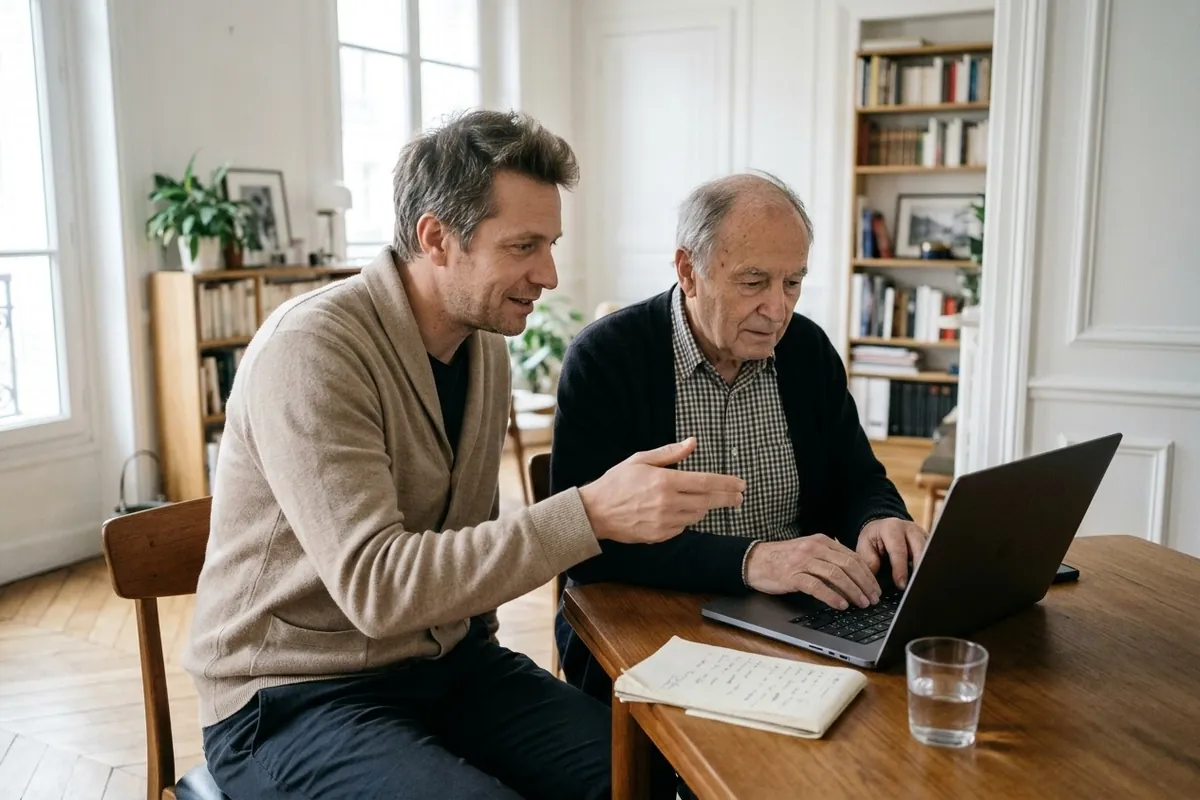
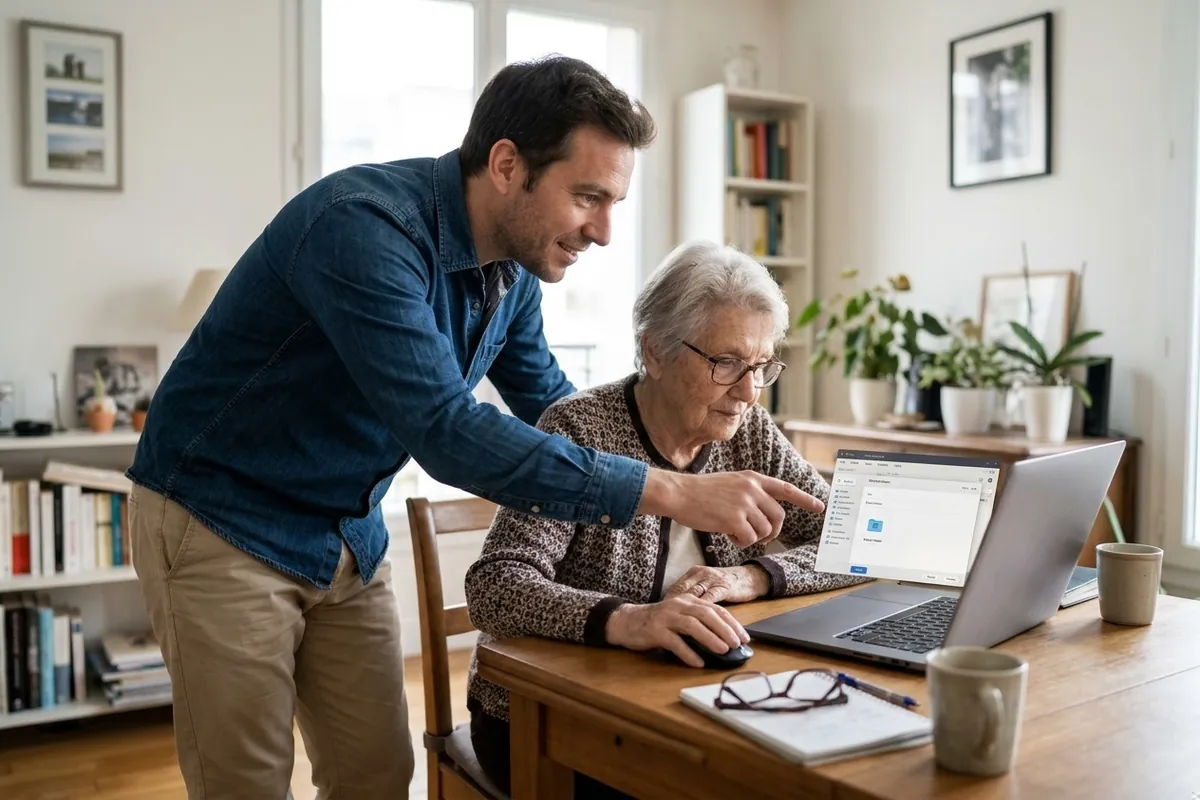
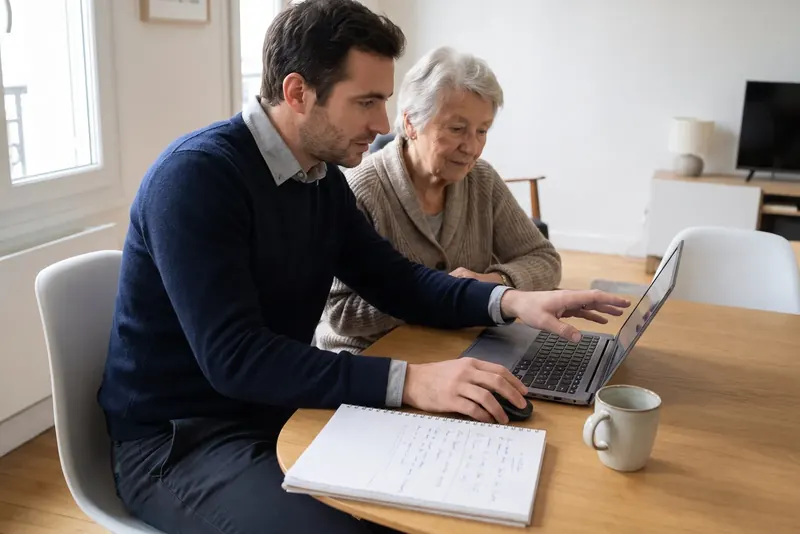
Tuition takes place directly in your home on your own equipment. The pro begins by assessing your goals and current level before guiding you through hands‑on, step‑by‑step practice. You control the keyboard and mouse throughout the entire session. At the end of each lesson, your tutor can provide clear written notes so you can easily practise between visits.
Your areaEverywhere in the United KingdomYour request goes to the computer tutors around you.
Your request · Computer Tutor
Which service do you need?
Free · No obligation
Computer tuition services
Common service
Computer basics
Learn the essential workings of your computer and operating system. Your tutor covers starting up, shutting down properly, adjusting volume, and managing open windows. You also learn how to organise your desktop and keep personal files neatly sorted.
Free · No obligation
Common service
Keyboard and mouse skills
Master mouse control and everyday keyboard use. Practice left clicks, right clicks, double clicks, and scrolling through pages smoothly. Your tutor guides you through the layout of letters, numbers, symbols, and essential typing shortcuts.
Free · No obligation
Common service
Printer setup
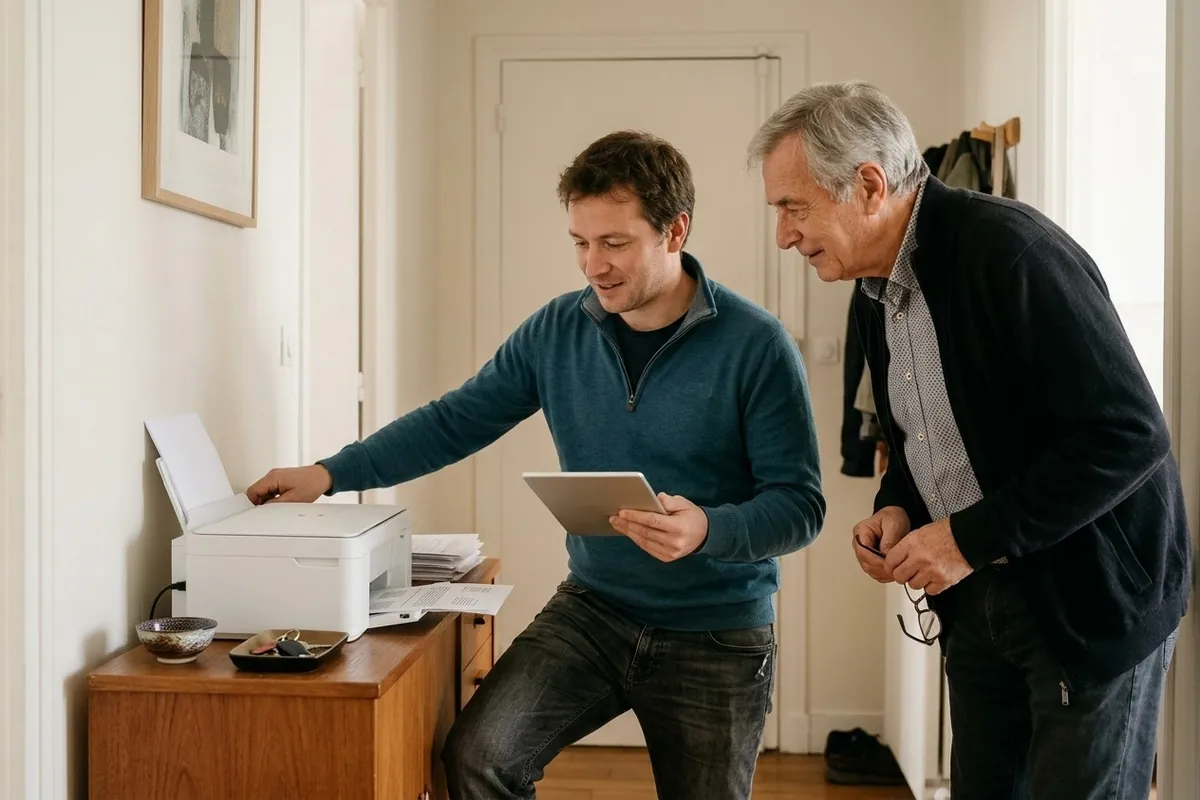
Get your printer fully connected and configured to work with your computer. Your tutor guides you through wireless or USB cable setup, running a test print, scanning everyday paperwork, and checking remaining ink levels.
Free · No obligation
Common service
Web browsing
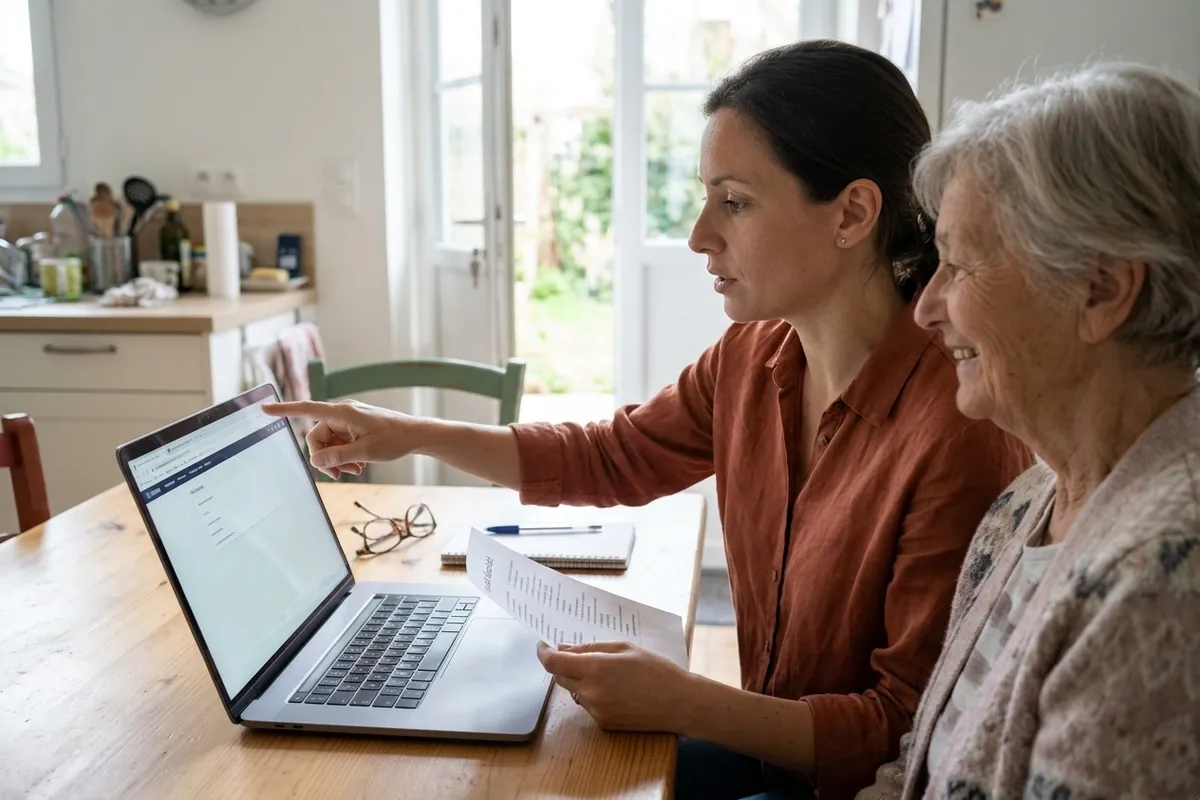
Build confidence using web browsers to read the news, access services, and stay informed. Learn how to enter web addresses, open new tabs, and bookmark your favourite sites, alongside practical tips for spotting trustworthy pages.
Free · No obligation
Common service
Using search engines
Learn to search the internet effectively to find clear, accurate information. Your tutor explains how to enter simple queries, evaluate search results, and avoid clicking sponsored ads so you can find local opening hours, recipes, or services easily.
Free · No obligation
Common service
Email account setup
Set up a personal email account and manage your daily messages with ease. Your pro helps you choose an address, set a strong password, and read incoming mail. You will also learn how to sort important emails into folders and clear out spam.
Free · No obligation
Common service
Sending email attachments
Learn how to share family photos and documents by email. Practice attaching files stored on your PC while keeping an eye on file sizes. Your tutor also shows you how to download, open, and save attachments safely into your personal folders.
Free · No obligation
Common service
Safe online shopping
Order goods online with peace of mind. Your tutor explains how to verify retailer websites, check web addresses, and assess customer reviews. Learn what padlock symbols mean, how to review terms, create accounts, and process payments securely.
Free · No obligation
When to call a Computer Tutor
K
Is this your situation? A professional in your area calls you back to discuss it.Free · No obligation
When choosing a computer tutor, look for a patient, approachable professional who explains technical concepts in plain English.
✓Ask for a written quote or breakdown upfront detailing lesson content and any travel charges.
✓Enquire about their teaching style: you should be the one using the mouse and keyboard rather than merely watching demonstrations.
✓Ask people you know for recommendations and check online reviews.
✓Avoid anyone who insists on selling unnecessary software subscriptions or uses jargon without taking the time to explain it clearly.
What makes the price of a Computer Tutor
The total price depends on the factors listed below. The exact amount to pay is provided directly by the pro in their quote or estimate based on your specific requirements.
What affects the price
One‑to‑one tuition versus group learning formats
The frequency and total number of booked sessions
Travel distance to your home
The level of technical guidance or specialised software required
Get a call back from a Computer Tutor
For each service and each town, Kelki explains the essentials: the services, when to call a pro and pointers to choose well. With « Call me back », you describe your need in a few clicks: your request goes to a professional of the trade in your area, and you then deal with them directly.
Your requestFree
TradeComputer TutorLocationEverywhere in the United KingdomServiceTo chooseTimeframeYou choose
A pro in your area calls you back · free
Your most common questions
How does an in‑home computer lesson work?+
The tutor comes to your home and sits alongside you at your own desk. The session starts by reviewing your questions, followed by step‑by‑step practical exercises. Your pro guides you verbally while you handle the mouse and keyboard yourself to build muscle memory and confidence.
Do I need my own computer before the first session?+
Yes, having your own device is essential for effective learning. Practising on your own computer ensures you get used to your specific screen, keyboard, and settings. If your computer is still boxed up, your tutor can help you unpack, plug in, and set it up during the first visit.
What paperwork should the tutor provide after a lesson?+
The professional should provide a receipt or invoice detailing the session duration and the total price paid. Many tutors also leave personalised written notes or step‑by‑step summary sheets covering what you practised, making it easier to review between appointments.
What factors influence the cost of computer lessons?+
The total amount depends mainly on lesson length and how many sessions you book. Pricing structures vary between pay‑as‑you‑go sessions and multi‑lesson packages. Travel distances to your home and whether you require general beginner basics or more specialised software guidance also affect the total price.
How should I prepare before the tutor arrives?+
Ensure your computer is plugged in, powered on, and connected to your home Wi‑Fi network. Note down any existing passwords, usernames, and questions in a notebook. Clear a tidy workspace on your desk or dining table so you and the tutor can sit comfortably side by side.
Can the computer tutor also carry out hardware repairs?+
A tutor's primary focus is teaching and digital confidence. They can usually resolve routine software glitches, install updates, or configure printers. However, for serious hardware faults requiring disassembly or replacement components, they will advise you to consult a dedicated computer repair technician.
How do I find a reliable local computer tutor?+
Start by asking friends or neighbours for personal recommendations and read reviews from local learners. Request a clear written quote or estimate outlining the hourly rate and any travel costs. You can also describe your learning goals on Kelki to receive a call back from a local pro.
How long does it take to learn the digital basics?+
Learning speed depends on your starting point and how often you practise between lessons. A few focused sessions are usually enough to master browsing, sending emails, and handling everyday online tasks. Regular, short practice sessions at home are key to cementing what you learn.
Need a Computer Tutor?? Get a call back.
Free · No obligation · Describe your need in a few clicks
Computer TutorEverywhere in the United KingdomComputer Tutor request · Free · No obligationCall me back
K
Kelki AgentI connect you with pros in over 1,000 trades, in the United Kingdom.
Hello, I’m the Kelki Agent. Tell me what you need: I’ll find the right pro for you, close to home.
Messages are analysed by an AI to understand your need, and are not stored. Privacy
Cookies
We use cookies to improve your experience and analyse site traffic. About our cookies