
Module Installation
This service covers downloading, enabling, and initially configuring community modules to expand your platform's features. Request this job to integrate fresh tools without altering Drupal core files.
Free · No obligation
A Drupal developer to design, maintain, and evolve your business websites.
A Drupal developer designs, tailors, and maintains websites and business applications powered by the Drupal CMS. This pro structures content architecture, integrates custom themes, and programmes needed features in PHP. They apply essential security patches, manage databases, and connect your web portal to external business tools.
Most projects are handled remotely. Scoping meetings and initial discussions take place via video call. The pro connects directly to your servers or shared code repositories to carry out the work. All deliverables are tested in a staging environment before being deployed to production.
This service covers downloading, enabling, and initially configuring community modules to expand your platform's features. Request this job to integrate fresh tools without altering Drupal core files.

This service applies official core security updates to safeguard your platform against vulnerabilities. Book this task as soon as a security advisory is released or to prepare for a major upgrade.

This job involves updating contributed modules to resolve bugs and ensure ongoing software compatibility. Call on a pro for this work during scheduled maintenance on your live platform.

This task involves writing clean PHP code following Drupal standards to meet bespoke business requirements. It is essential when no community module handles your specific workflow or data flows.

This project plans and executes the migration of structure, content, and functionality to a modern major branch of Drupal. Book this service when your current version reaches end of life.

This service evaluates page load times, fine‑tunes caching systems, and streamlines database queries. Choose this option if your site runs slowly or struggles under traffic spikes.
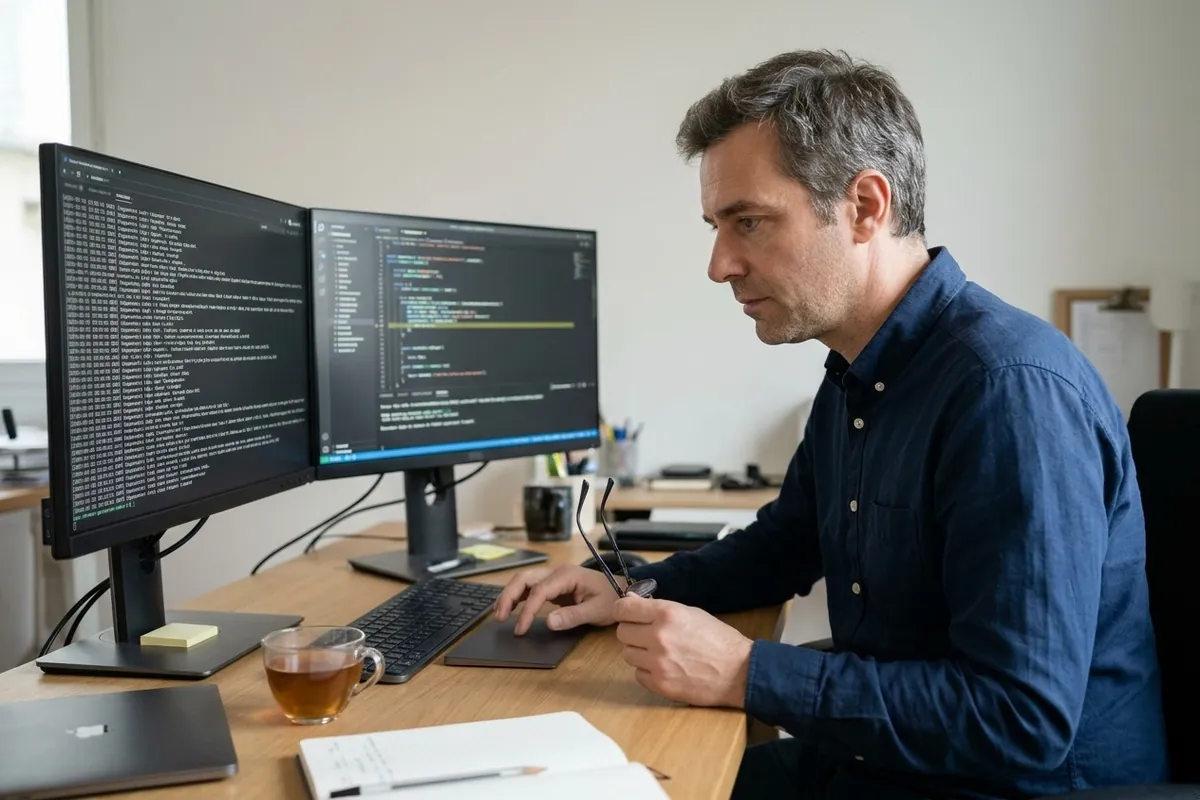
This intervention reviews error logs, isolates technical conflicts, and resolves blocking bugs. Request troubleshooting as soon as you encounter a white screen of death, broken scripts, or erratic behaviour.

This service builds custom dynamic queries to showcase content lists, tables, or complex filterable displays. Request it to organise user navigation without writing manual SQL queries.

Review tangible references provided by the pro, particularly public projects built on modern versions of the CMS.
The cost depends primarily on the factors listed below. The final price is the one stated on the pro's quote, tailored to your exact project scope.
For each service and each town, Kelki explains the essentials: the services, when to call a pro and pointers to choose well. With « Call me back », you describe your need in a few clicks: your request goes to a professional of the trade in your area, and you then deal with them directly.
The project begins with a technical briefing via video call or messaging. The developer sets up their local environment using a copy of your site. They code, run tests, and deploy changes to a staging server for your review and approval.
The pro supplies a detailed written quote or technical proposal alongside their terms and conditions. For larger builds, a formal service agreement or signed technical specification sets out delivery milestones and acceptance testing criteria.
Communication is handled remotely via collaborative tools, email, or scheduled video check‑ins. Task progress and issue tracking are usually managed through a shared ticketing tool accessible to both parties.
A non‑disclosure agreement can be signed prior to sharing any sensitive systems. For development and testing, the pro uses anonymised databases, stripping real customer and user data in line with statutory privacy rules.
The professional supplies documented source code, committed to your version control repository or uploaded to your server. They also deliver a completion report or configuration guide explaining the setup and module settings.
A staging environment allows you to test new features thoroughly without disrupting live visitors. It isolates potential bugs, preserves the integrity of your production database, and verifies everything works before launch.
A community module is maintained by the global open‑source community and handles standard use cases. A custom module is coded specifically for your business to manage internal workflows that standard modules cannot accommodate.
Almost all technical tasks are completed remotely without geographic constraints. An on‑site kickoff meeting can still be organised for complex enterprise projects, depending on your workflow and internal security policies.
Messages are analysed by an AI to understand your need, and are not stored. Privacy
We use cookies to improve your experience and analyse site traffic. About our cookies